AI-Assisted Mobile App Development
We use AI to accelerate mobile app development without giving up engineering control. Our senior developers apply AI to code analysis, implementation, migrations, and troubleshooting, while remaining responsible for every technical decision.

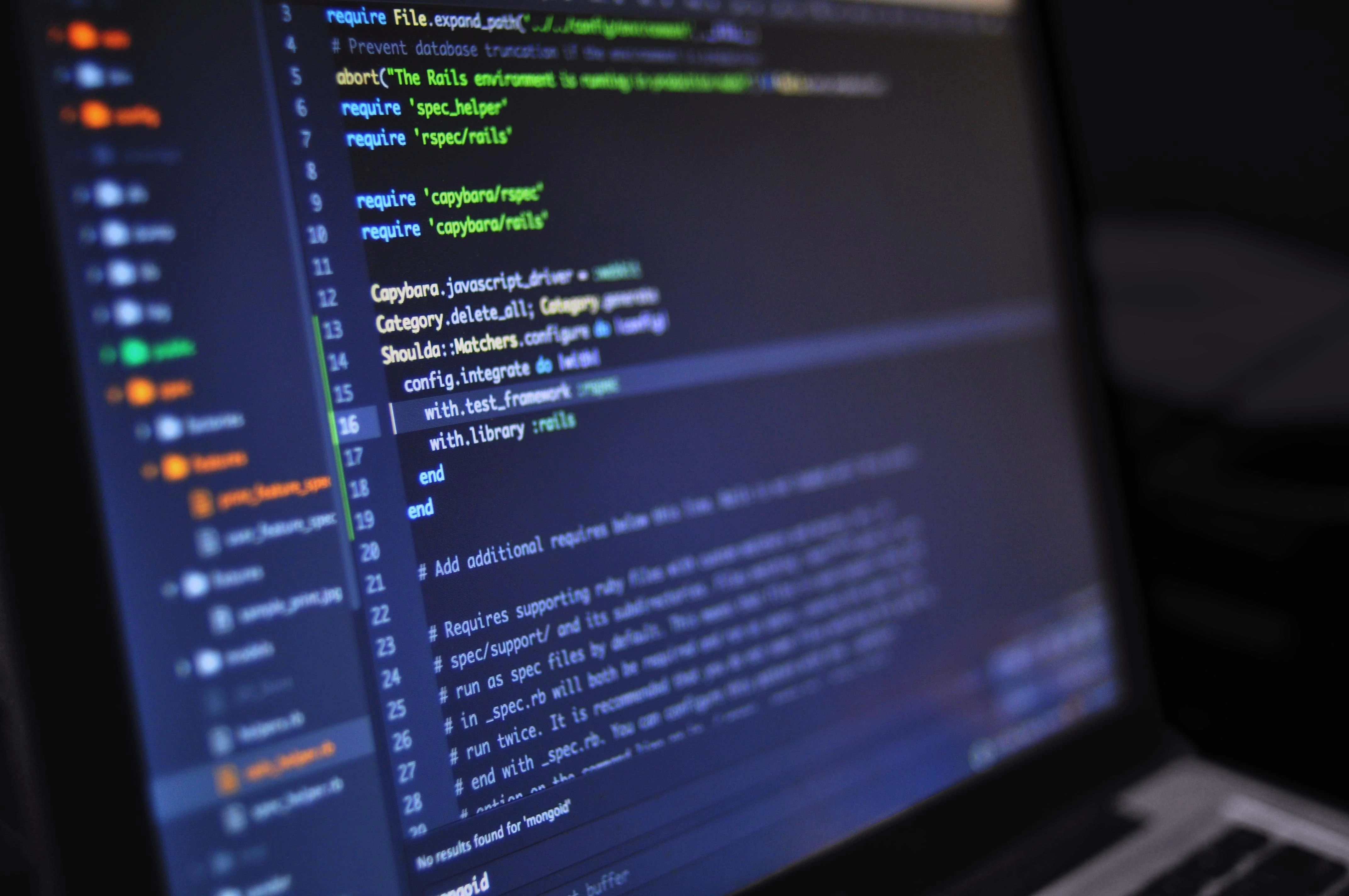
Where We Use AI
Codebase Analysis
AI helps us trace dependencies, locate relevant modules, and understand unfamiliar parts of an existing application. Our engineers then evaluate the architecture, technical debt, and impact of the proposed change.
Implementation and Testing
We use AI-assisted coding for well-defined implementation tasks, boilerplate, test scaffolding, and technical documentation. Every accepted change is reviewed, integrated, and validated by a developer.
Mobile App Migrations
During native-to-cross-platform, Kotlin Multiplatform, and Compose Multiplatform migrations, AI can help compare configurations, group errors, and identify platform-specific code. Engineers still decide what should be shared, what should remain native, and how the migration should be sequenced.
Debugging and Build Problems
AI supports troubleshooting across Gradle, Xcode, CocoaPods, Swift Package Manager, and mobile dependencies. It helps generate hypotheses faster, while the team reproduces the issue and verifies the actual solution.
AI Coding Tools Used With Project Context
We use AI tools as development assistants, not as autonomous decision-makers. The value comes from giving the tool relevant code and constraints, then applying experienced mobile engineering judgment to its output.

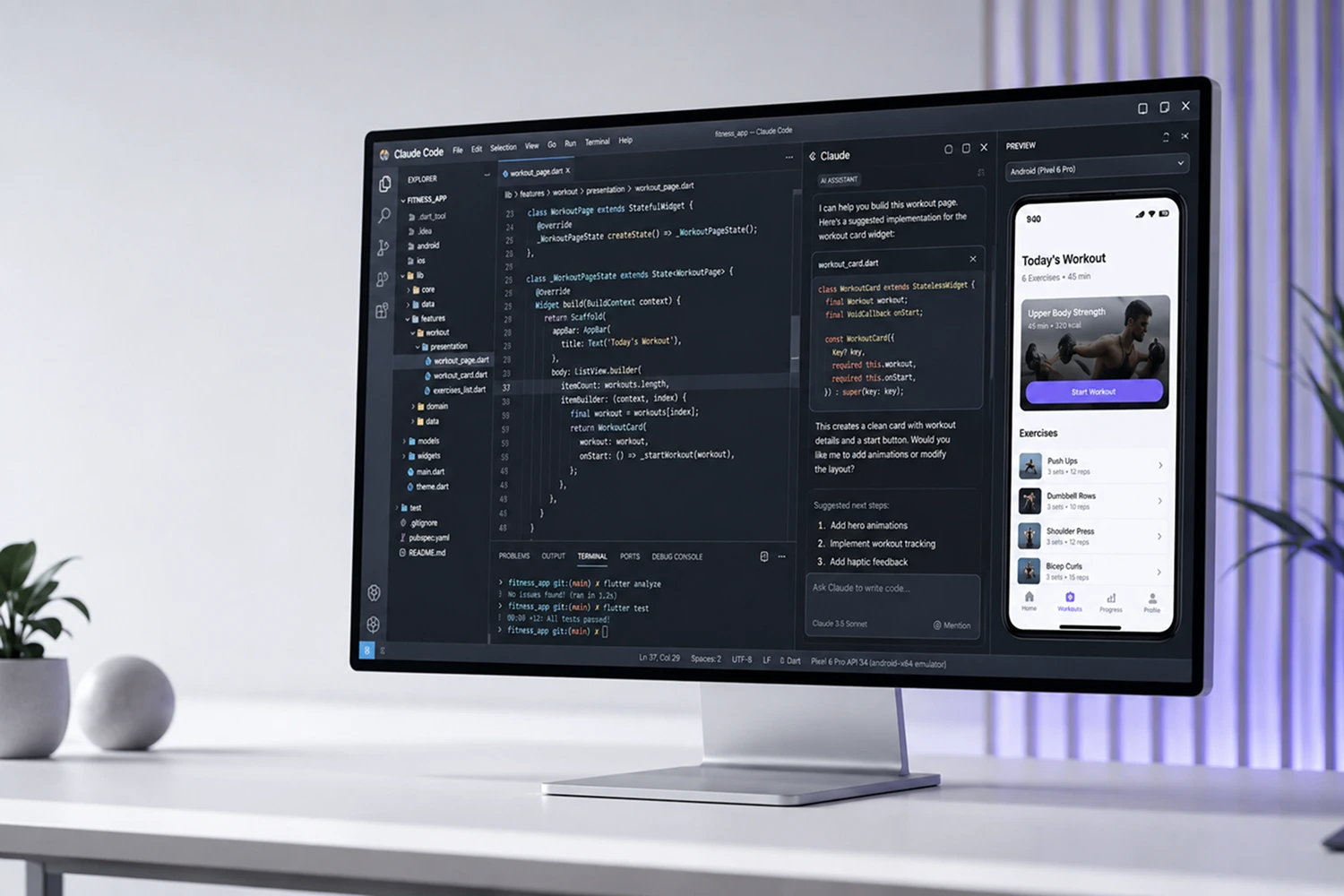
Aetherius has used Claude Code for codebase analysis, configuration comparison, migration support, build troubleshooting, and contextual assistance across Android and iOS development.
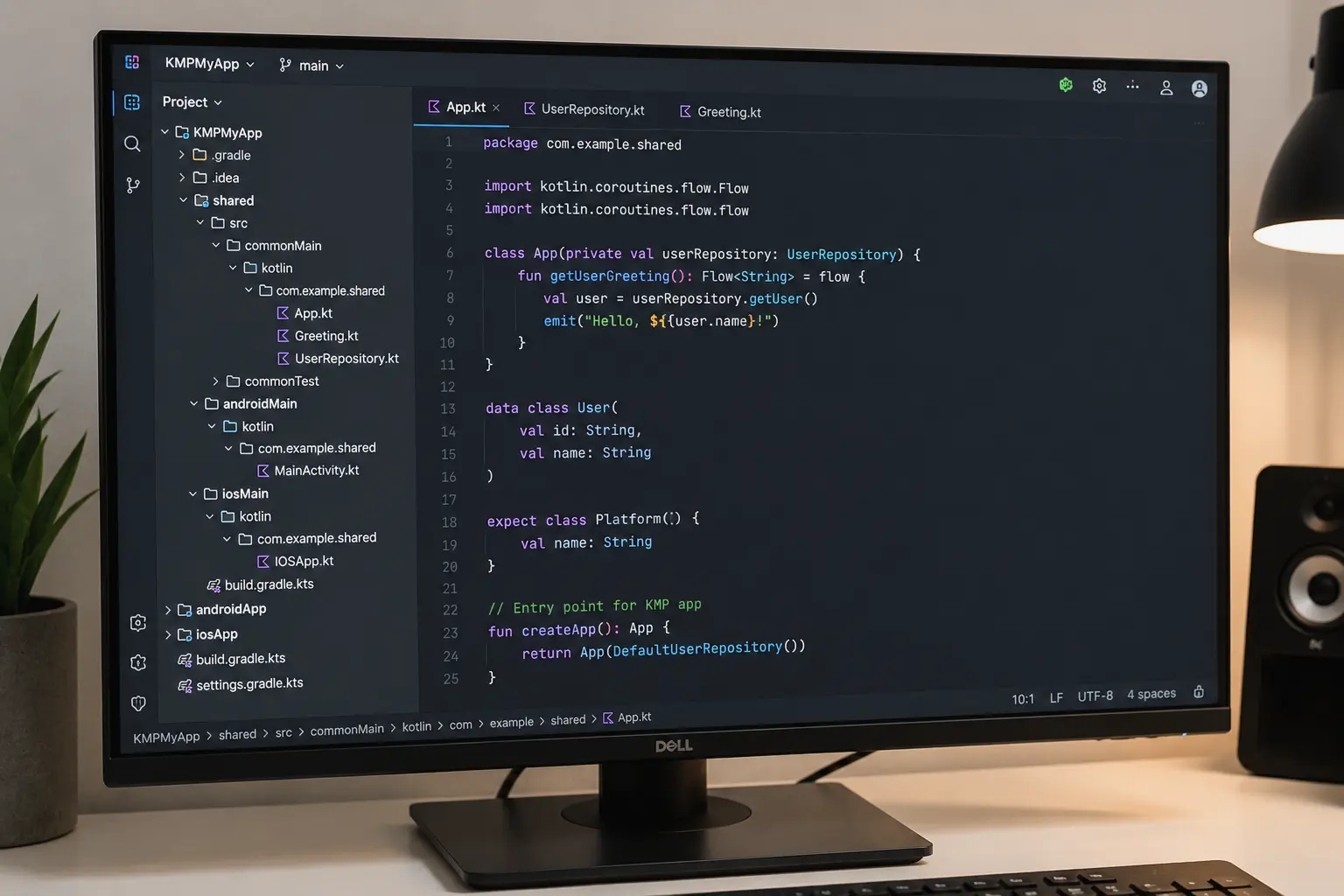
In a production KMP-to-CMP migration, our team used Claude Code to compare native configurations and investigate iOS dependency problems. The engineers defined the shared-code boundaries, implemented the platform-specific parts, selected the final dependency approach, and validated the result on both platforms.

We use GitHub Copilot for in-editor coding assistance during everyday implementation work. It helps developers complete repetitive code, work with established project patterns, draft tests, and move through well-defined tasks more efficiently while staying inside the existing development workflow.
Claude Code and GitHub Copilot support different parts of the development process, but neither replaces engineering review. The exact AI workflow can be adapted to the client’s approved tools, development environment, and security requirements.
AI Across the Development Lifecycle



Smart Token Usage
We give AI tools only the project context relevant to each task.
For your project, that means:
implementation
suggestions
overhead
Read More About How We Work With AI
Build Faster With
AI-Assisted Mobile Engineers

or support for a native, KMP, or CMP migration?